

Camera М
Unleash the amazing potential
of the camera that is always with you!
iPhone 18 Pro Update is out!
iPhone 18 Pro Update is out!
What’s New
Regularly featured on the App Store by Apple



And many more…
Manual Camera Controls
Manual Focus

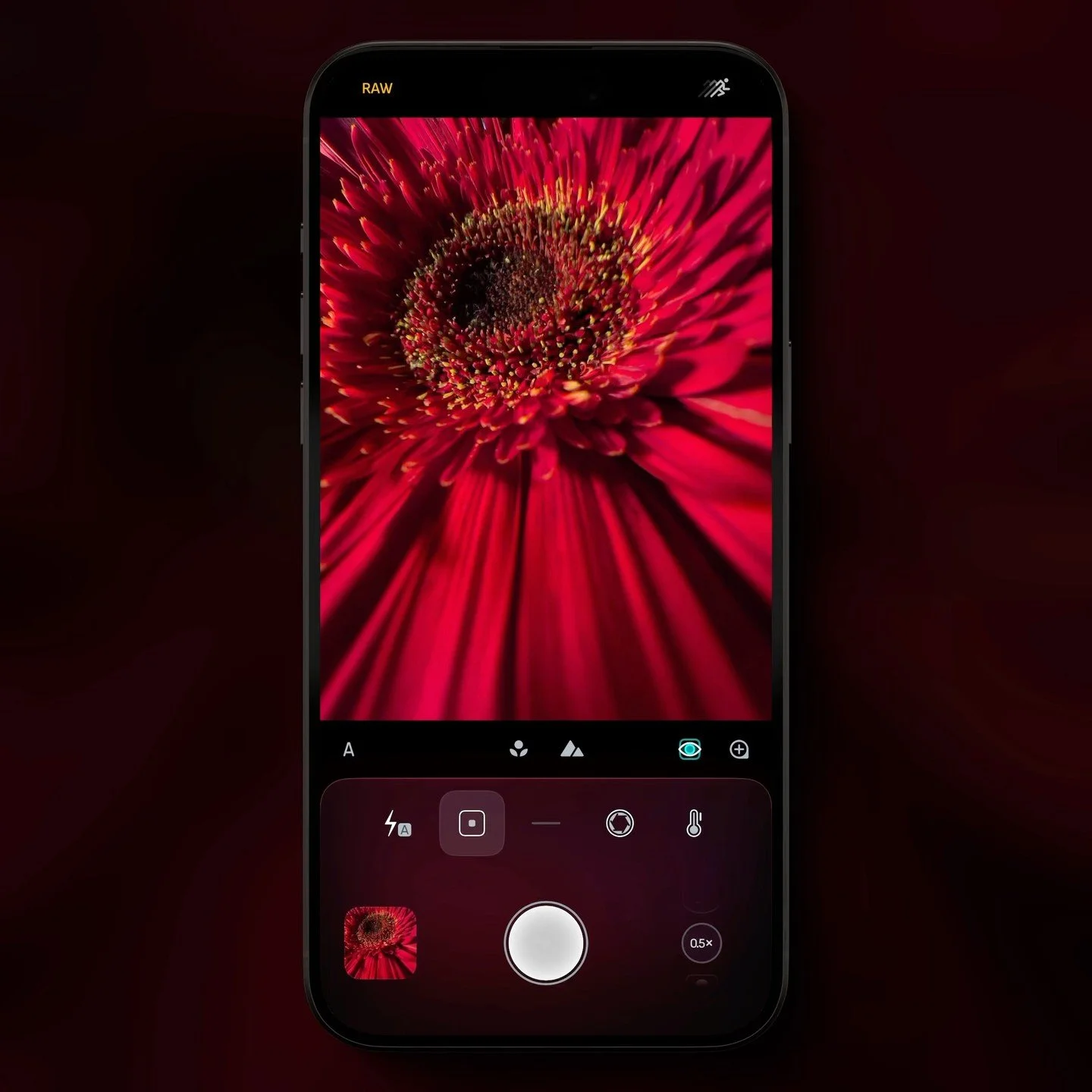
Focus precisely and smoothly with intuitive gestures to get the perfect focus every time. Enable focus peaking to instantly highlight sharp areas, or use the 4× touch-following magnifier for extra precision. For moving subjects, AI-powered focus tracking keeps your subject sharp with a simple tap.
Manual Exposure

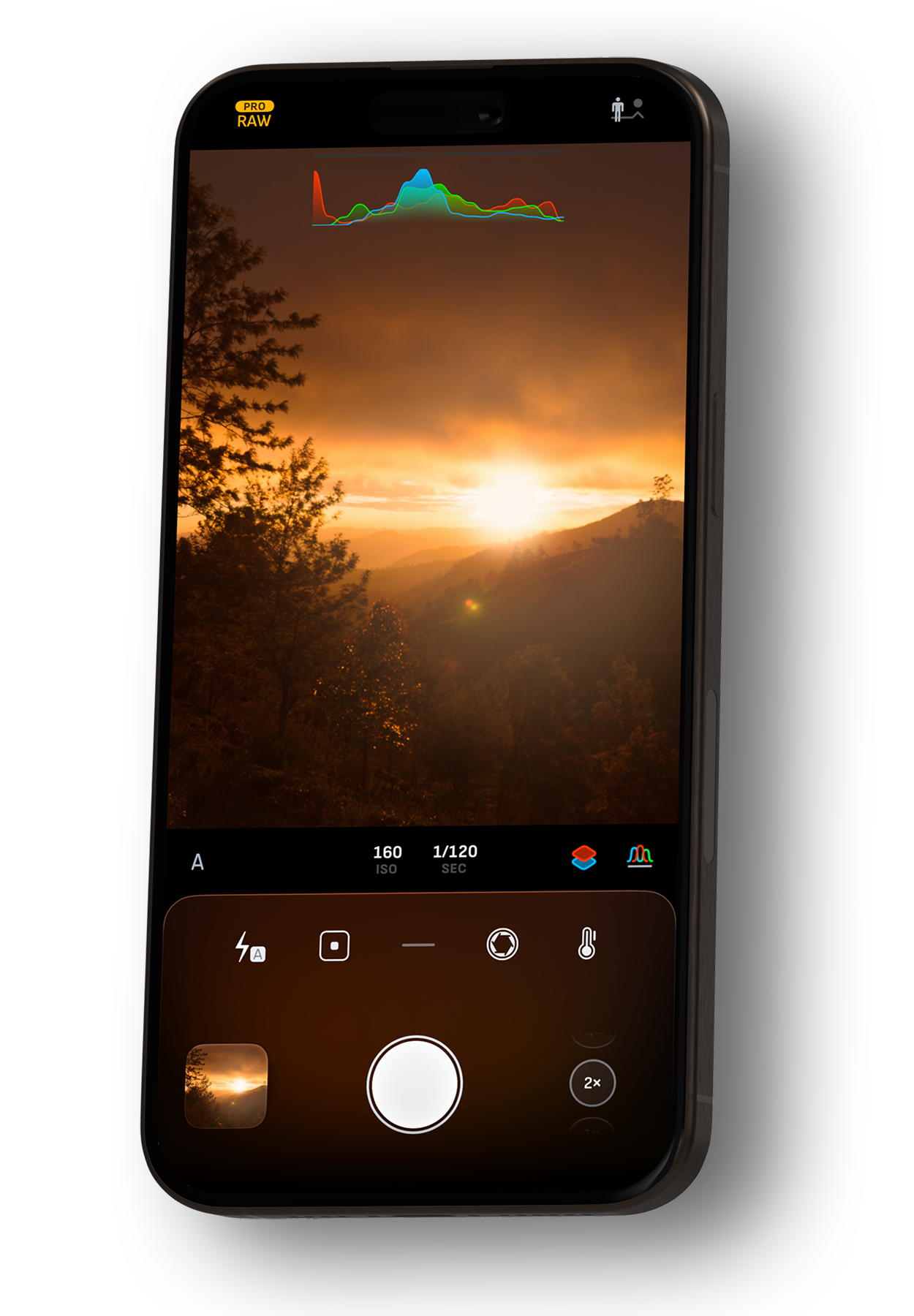
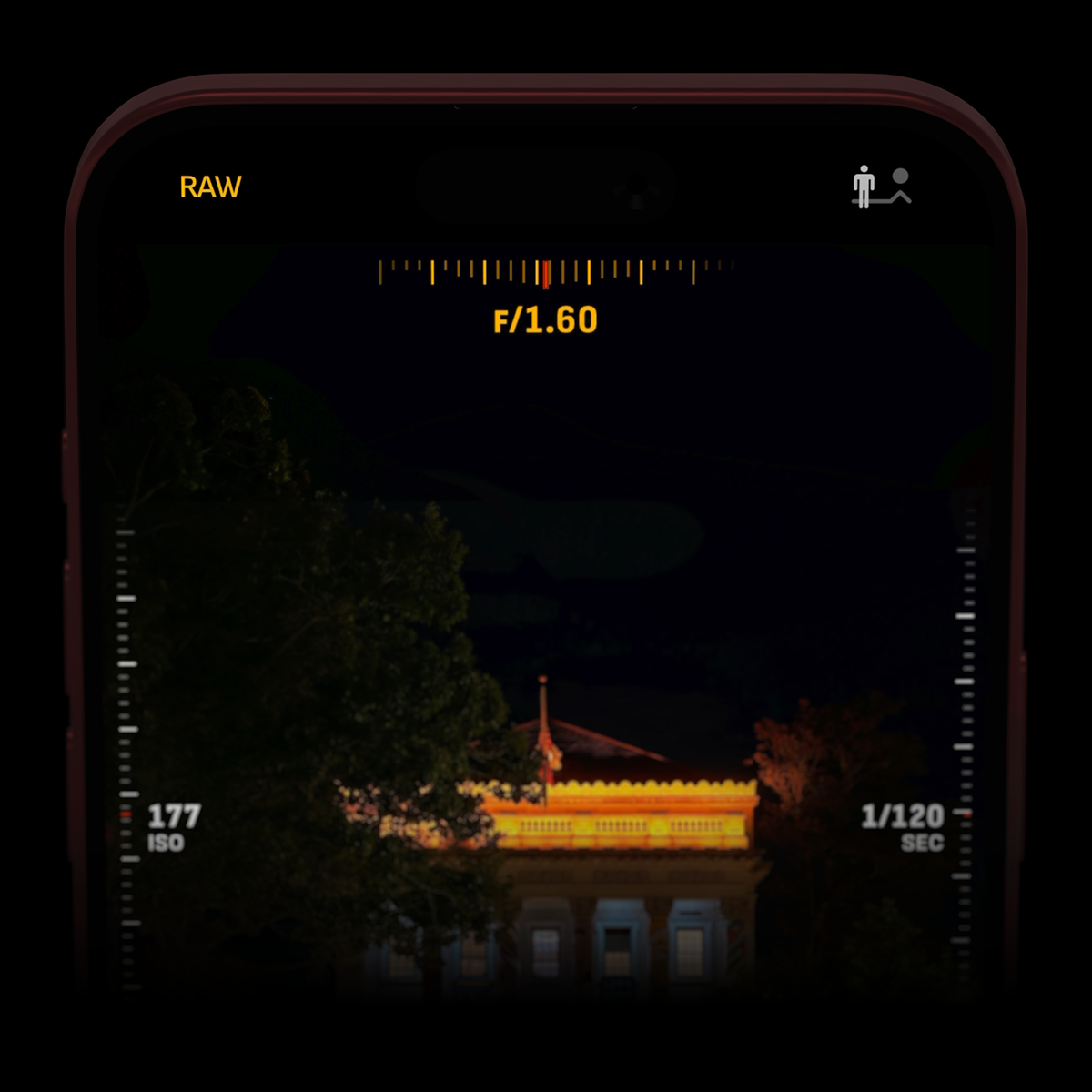
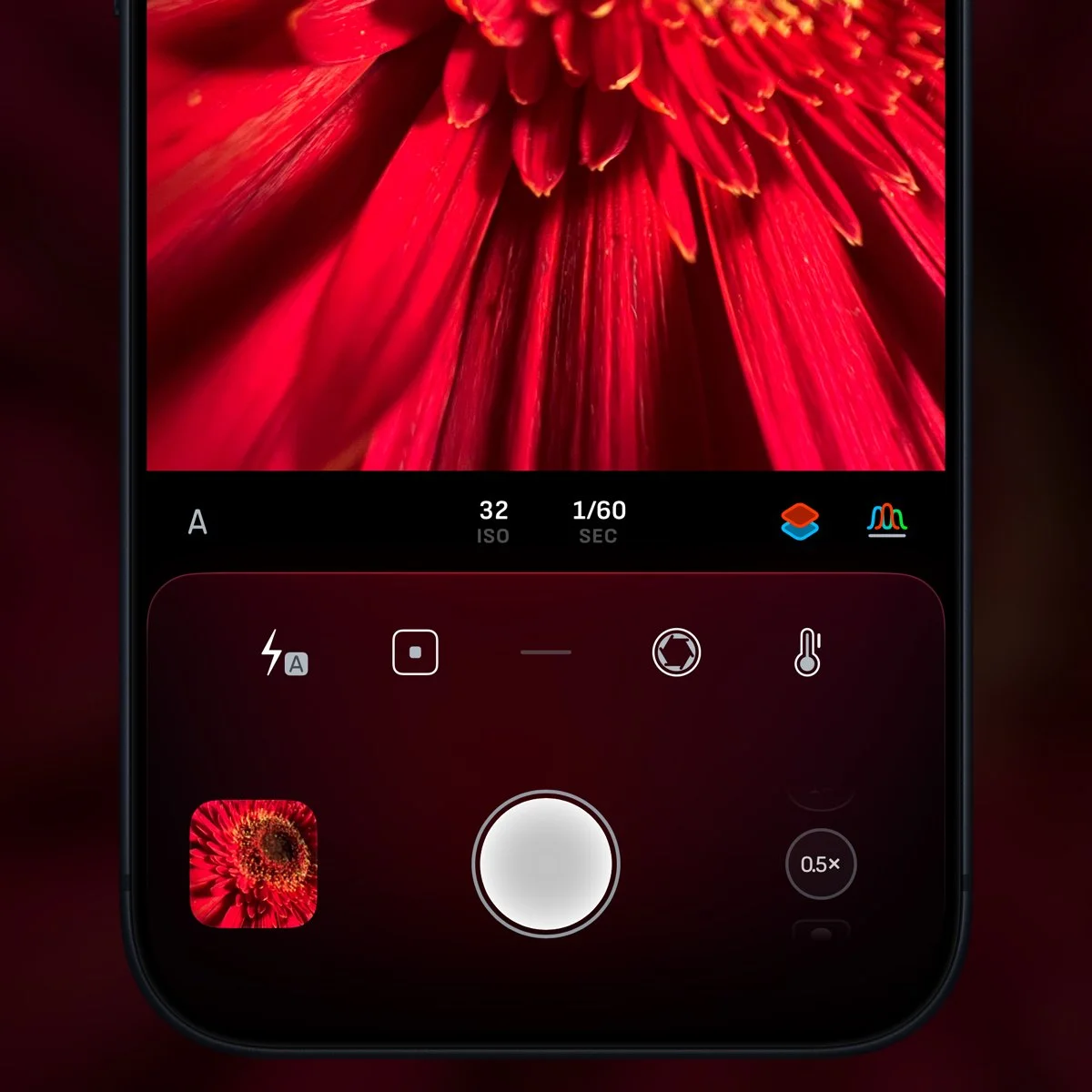
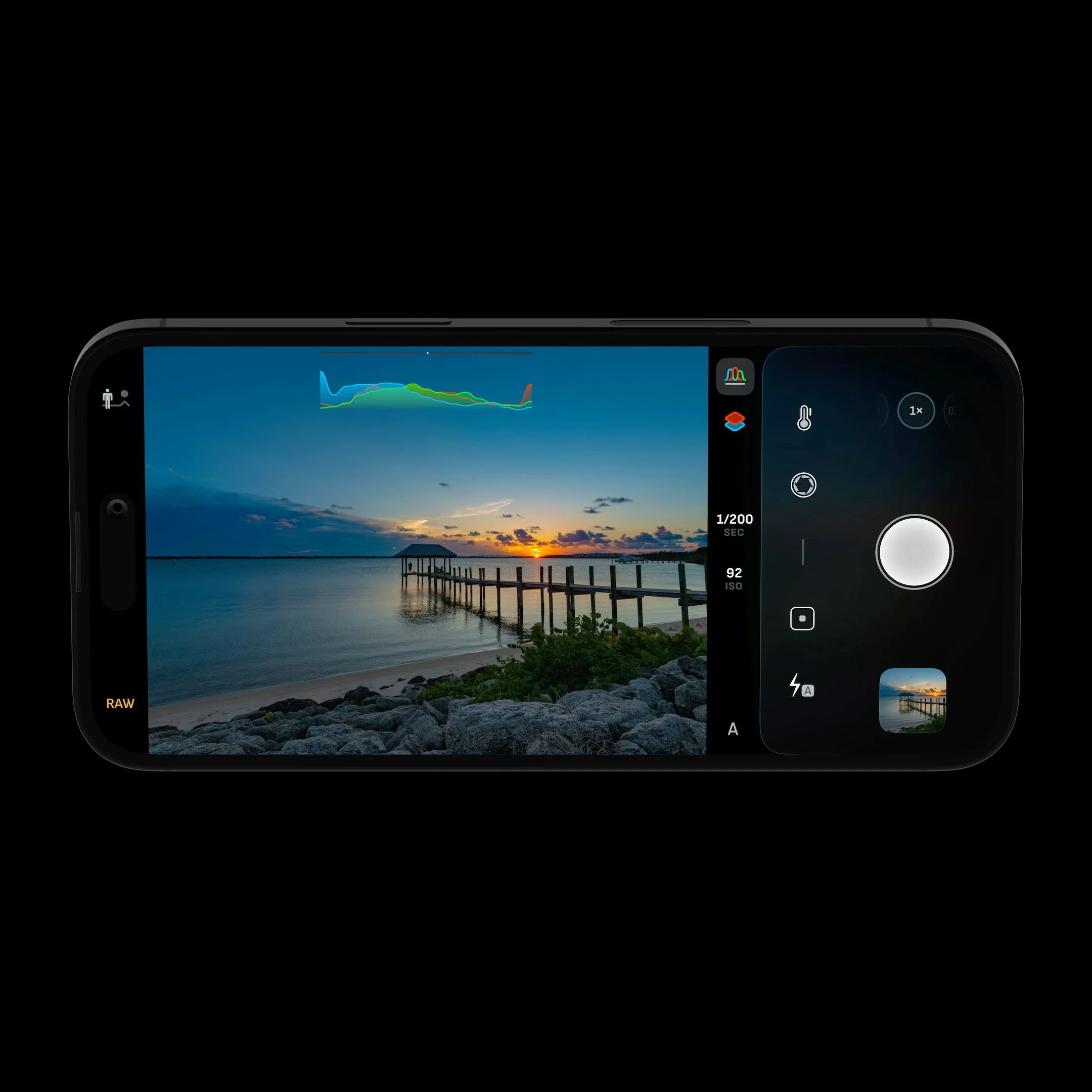
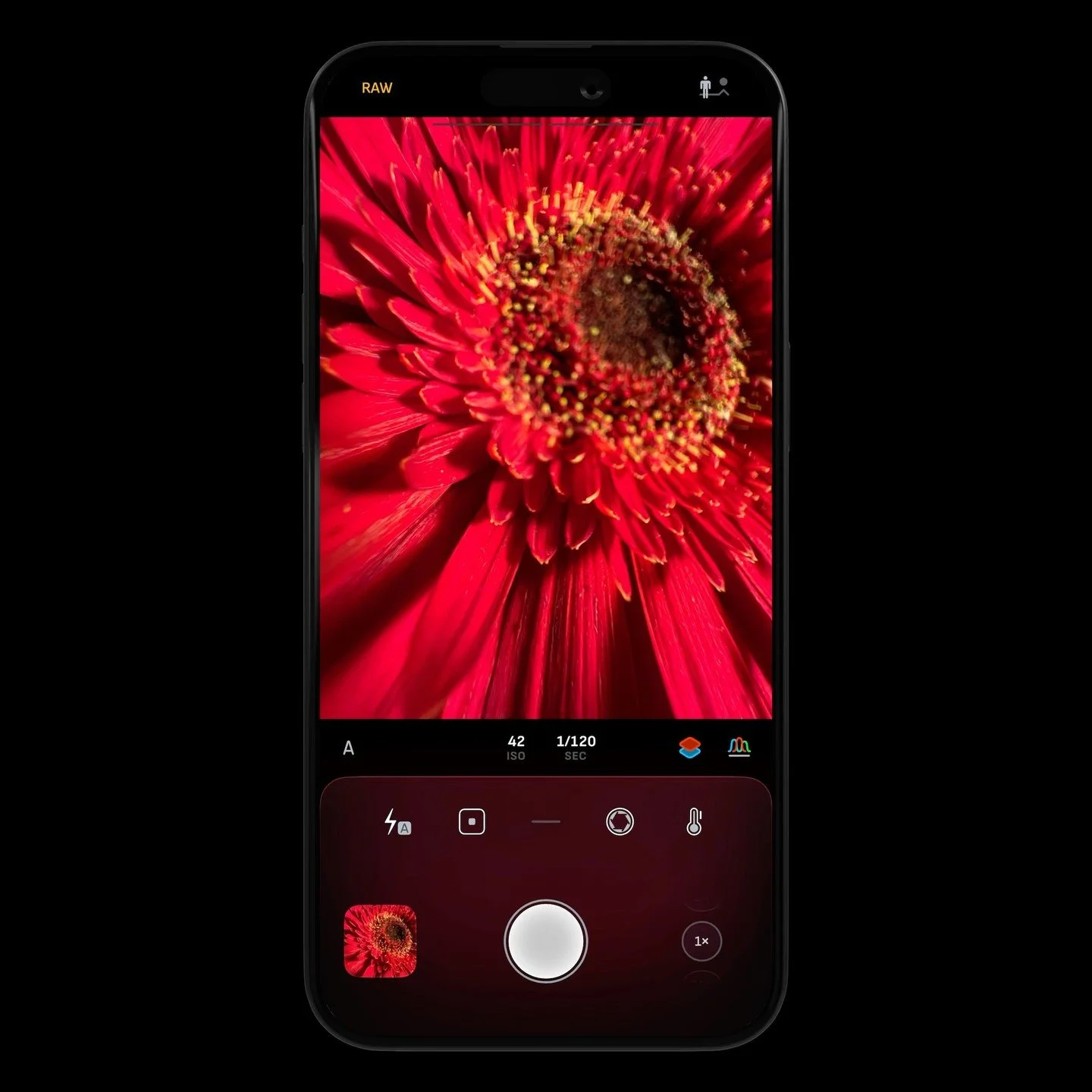
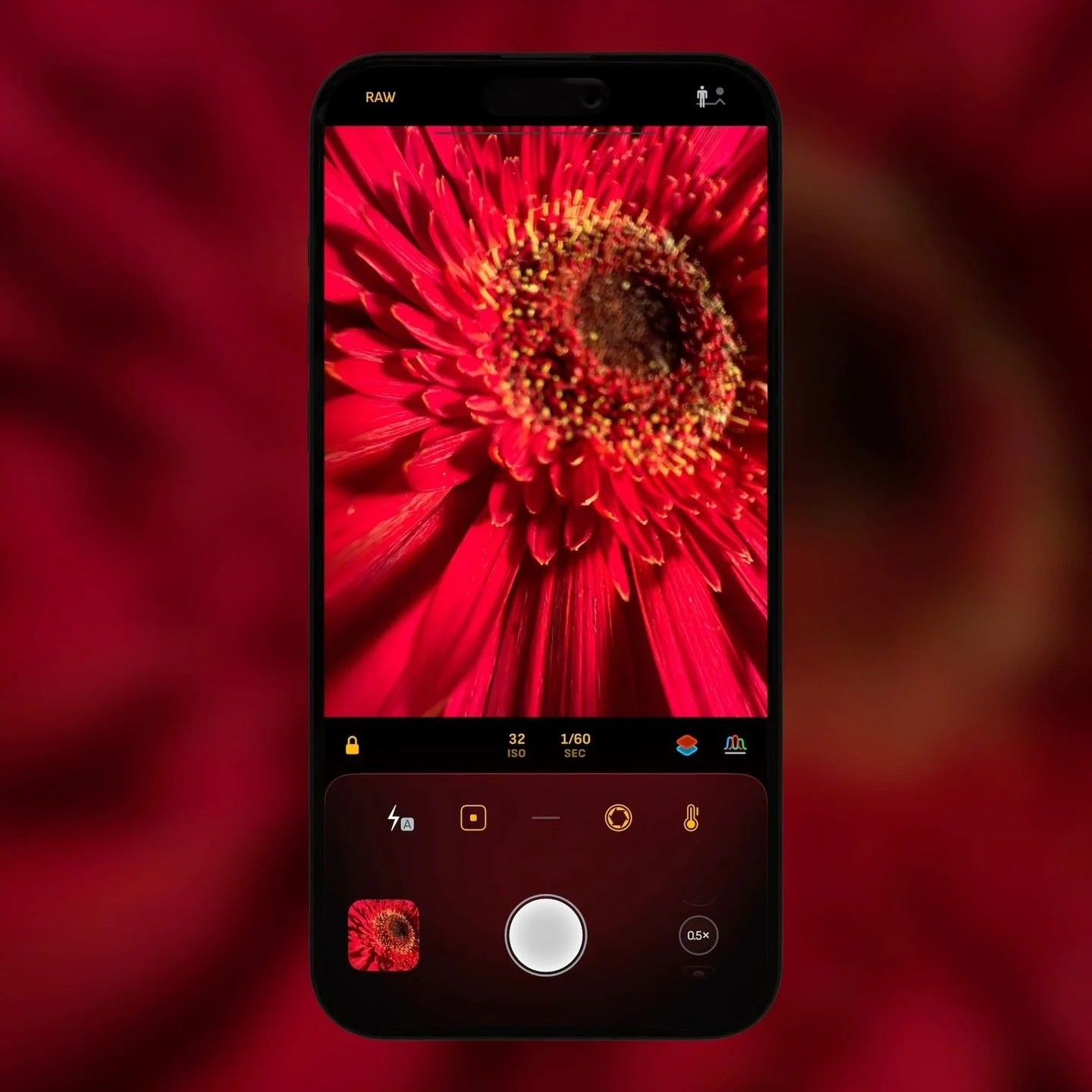
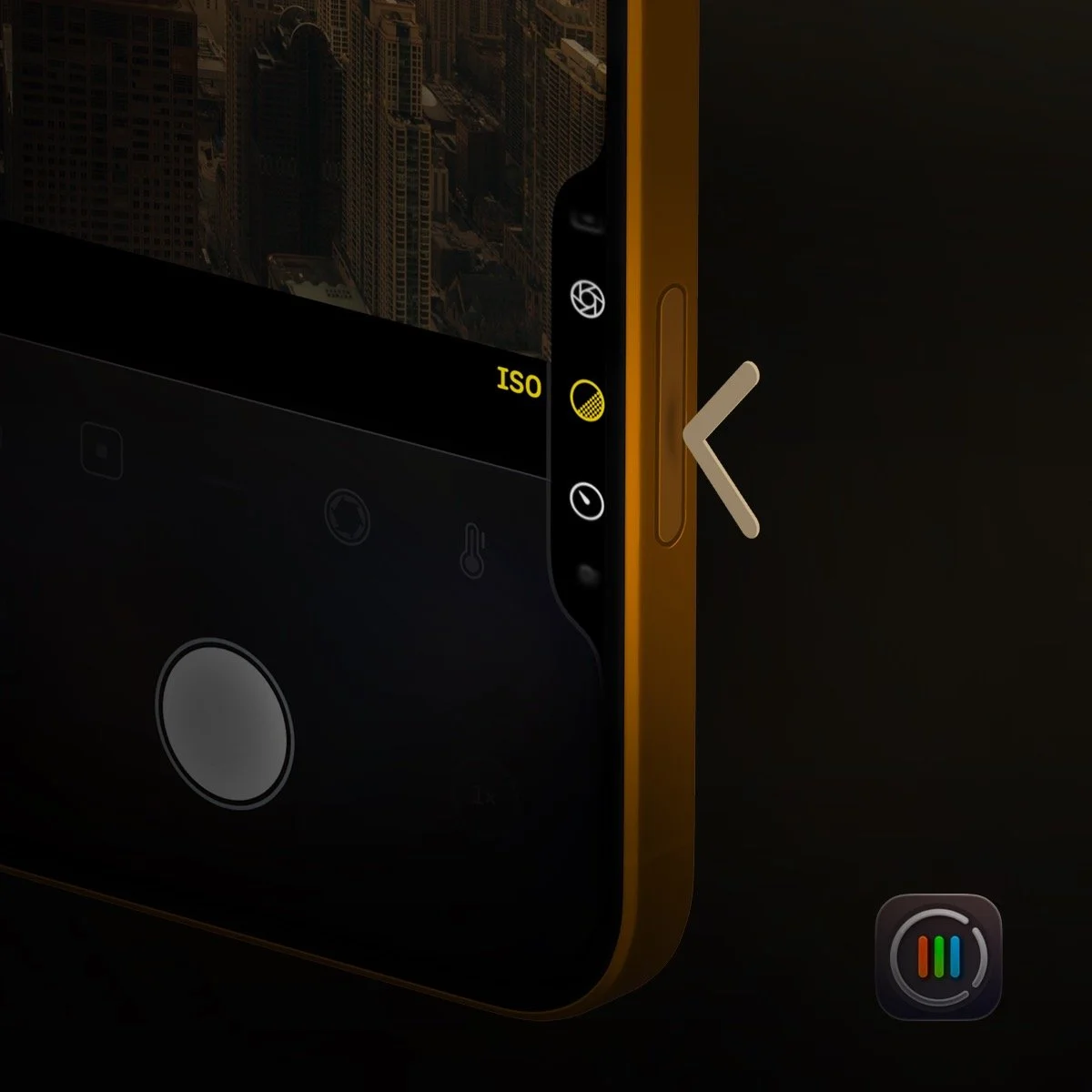
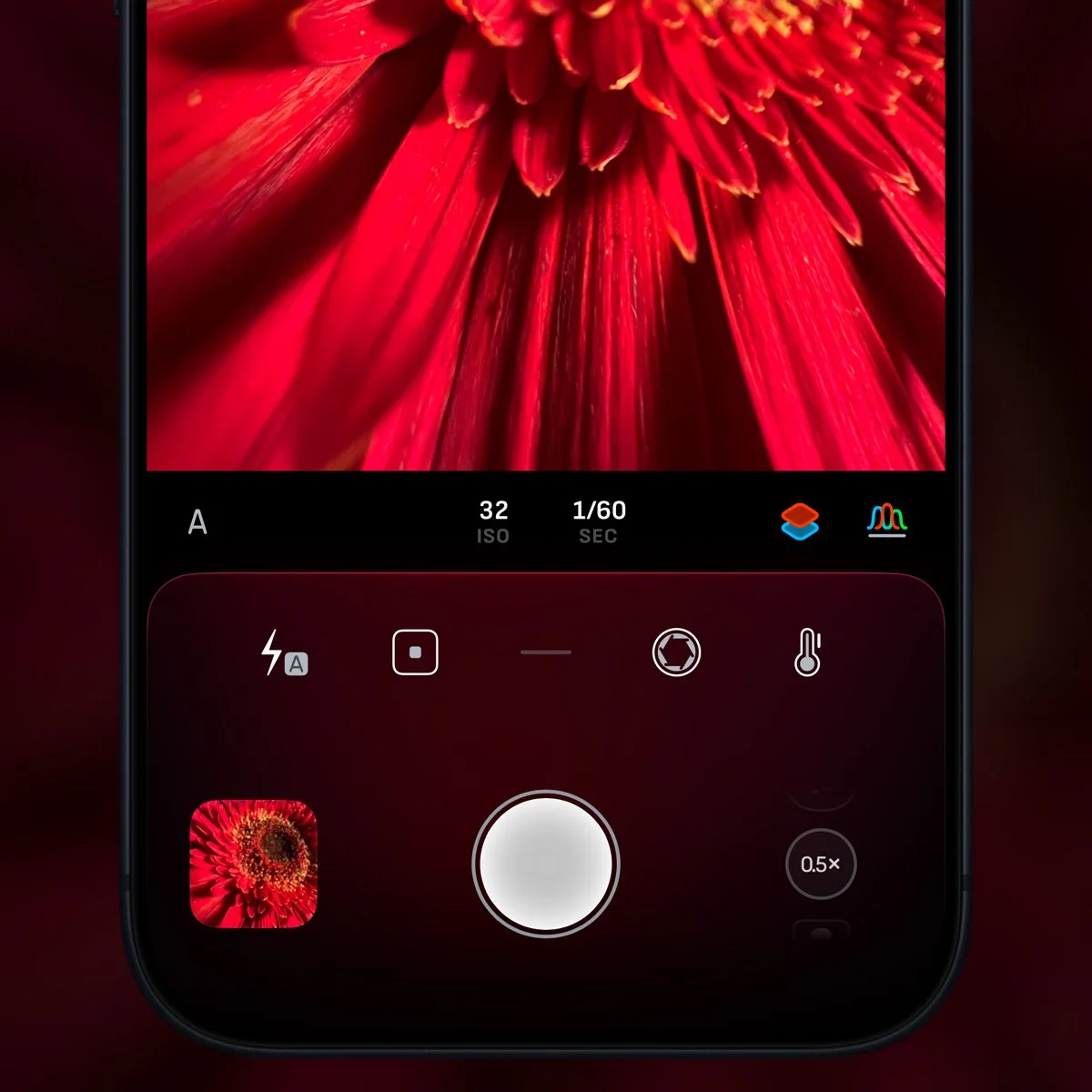
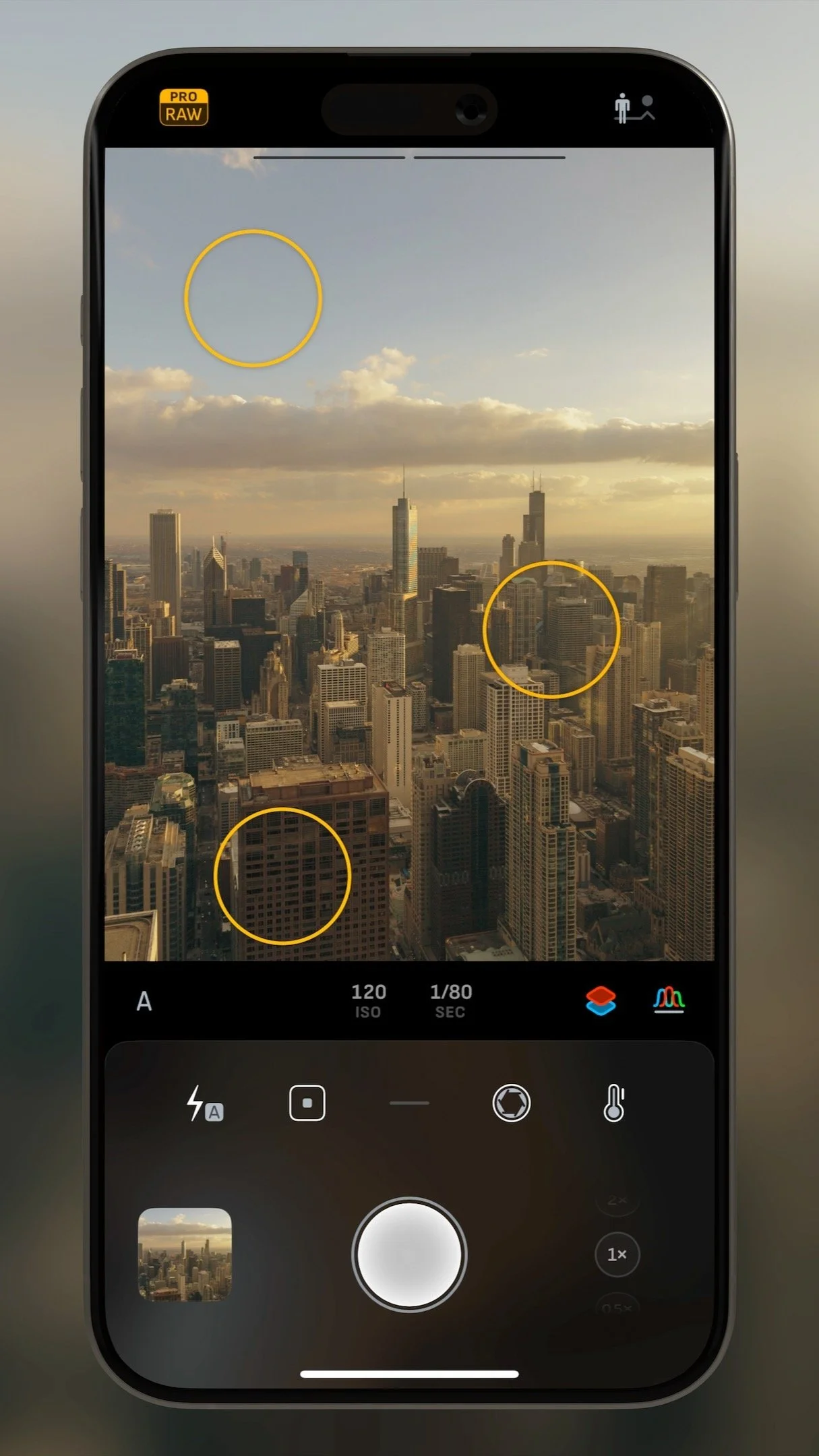
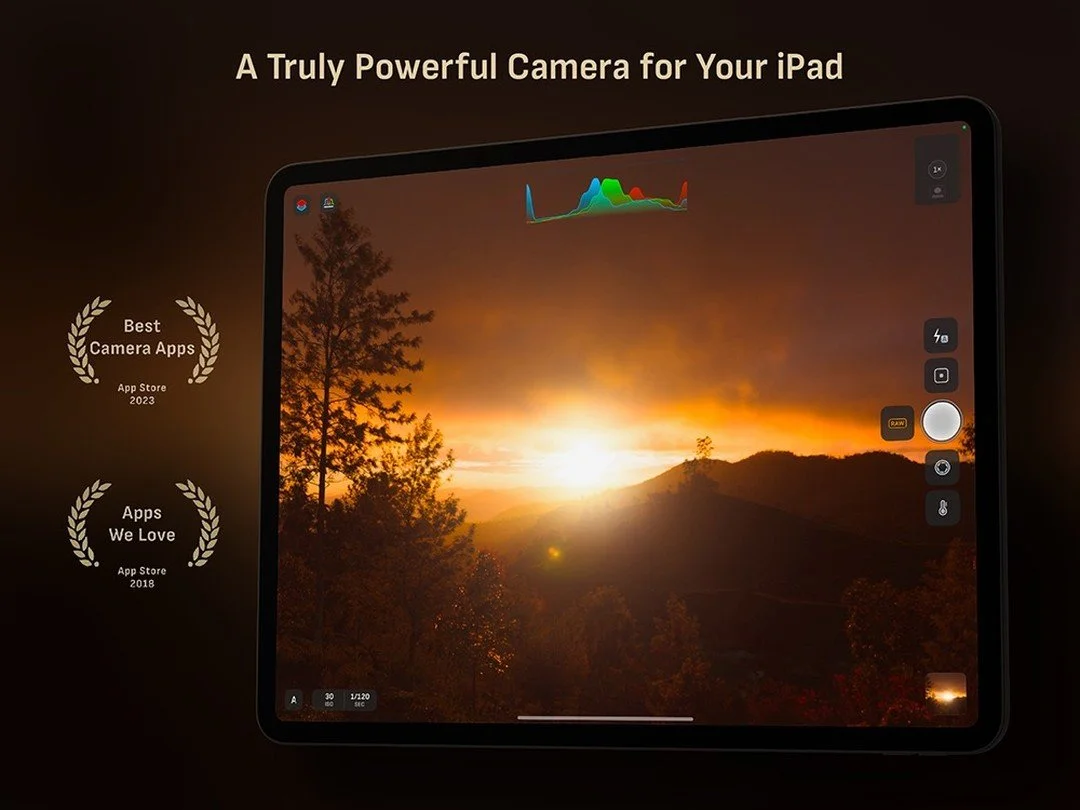
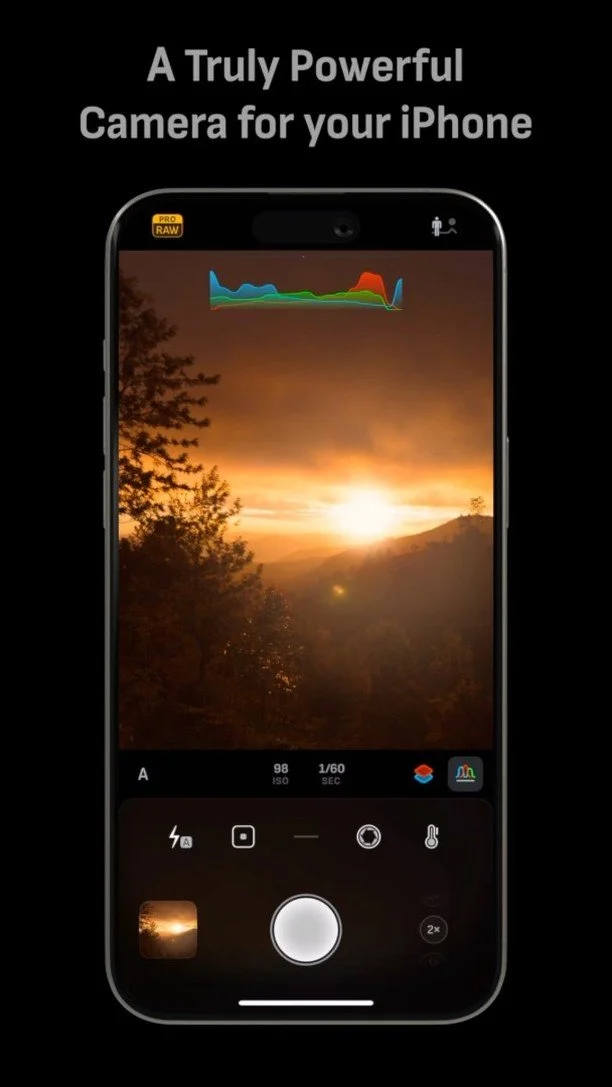
Control exposure with intuitive gestures or use the dedicated split-screen manual exposure interface to precisely adjust ISO and shutter speed. Semi-priority modes automatically balance the opposite value to maintain your desired exposure. Live RGB and luminance histograms, plus highlight and shadow alerts, are always available to help you capture the perfect shot.
Manual White Balance

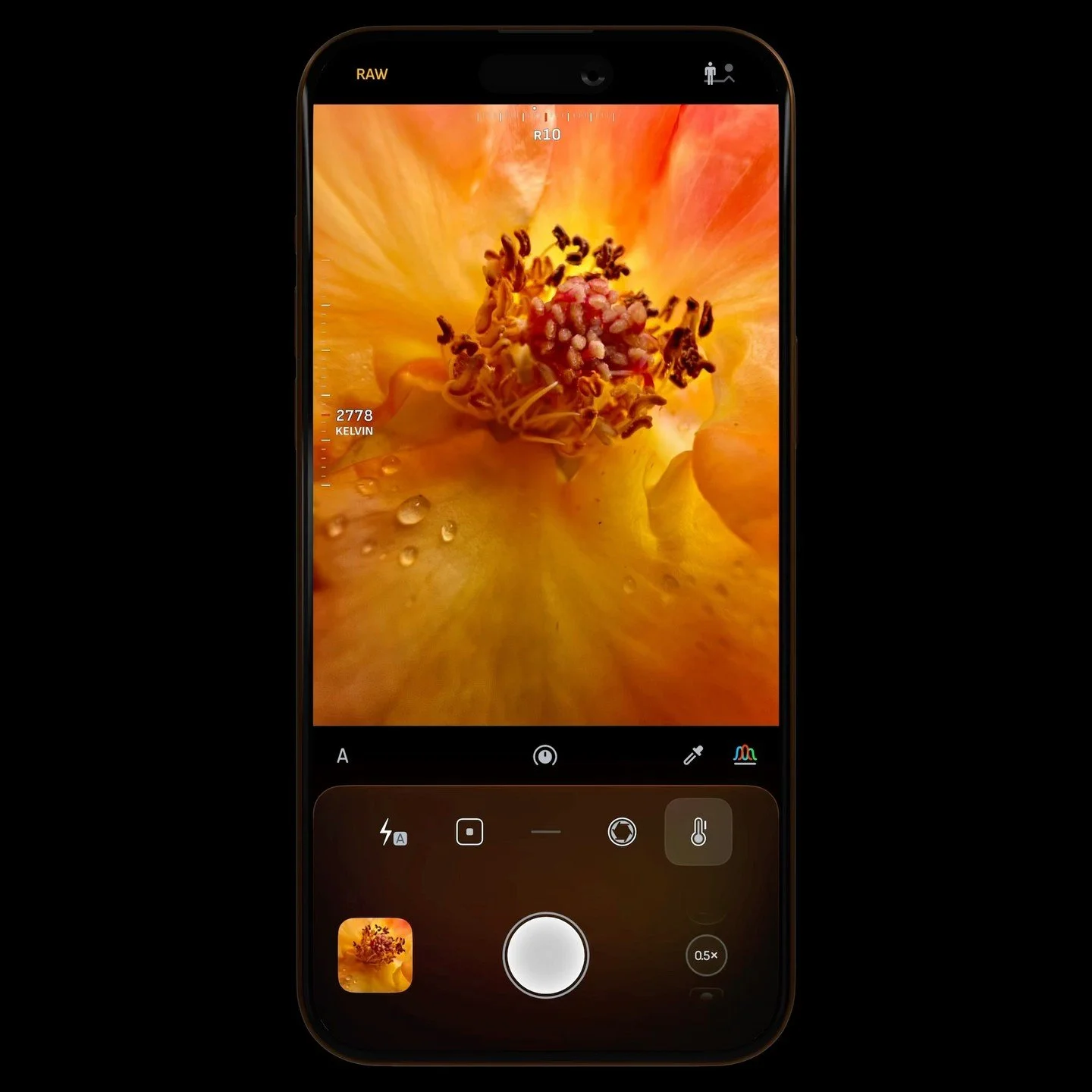
Take full control of white balance with smooth temperature and tint adjustments. Use the live RGB histogram to spot and eliminate unwanted color casts, or switch to Manual Grey Card mode for accurate, neutral colors in complex lighting conditions.
Fine-Tuning Control
Camera M’s Fine-Tuning feature makes manual adjustments more precise and effortless. While adjusting a control, simply drag away from the gauge to slow down the rate of change for finer accuracy — similar to fine scrubbing in a video or music app.
Features
Powerful Gesture-Based Controls
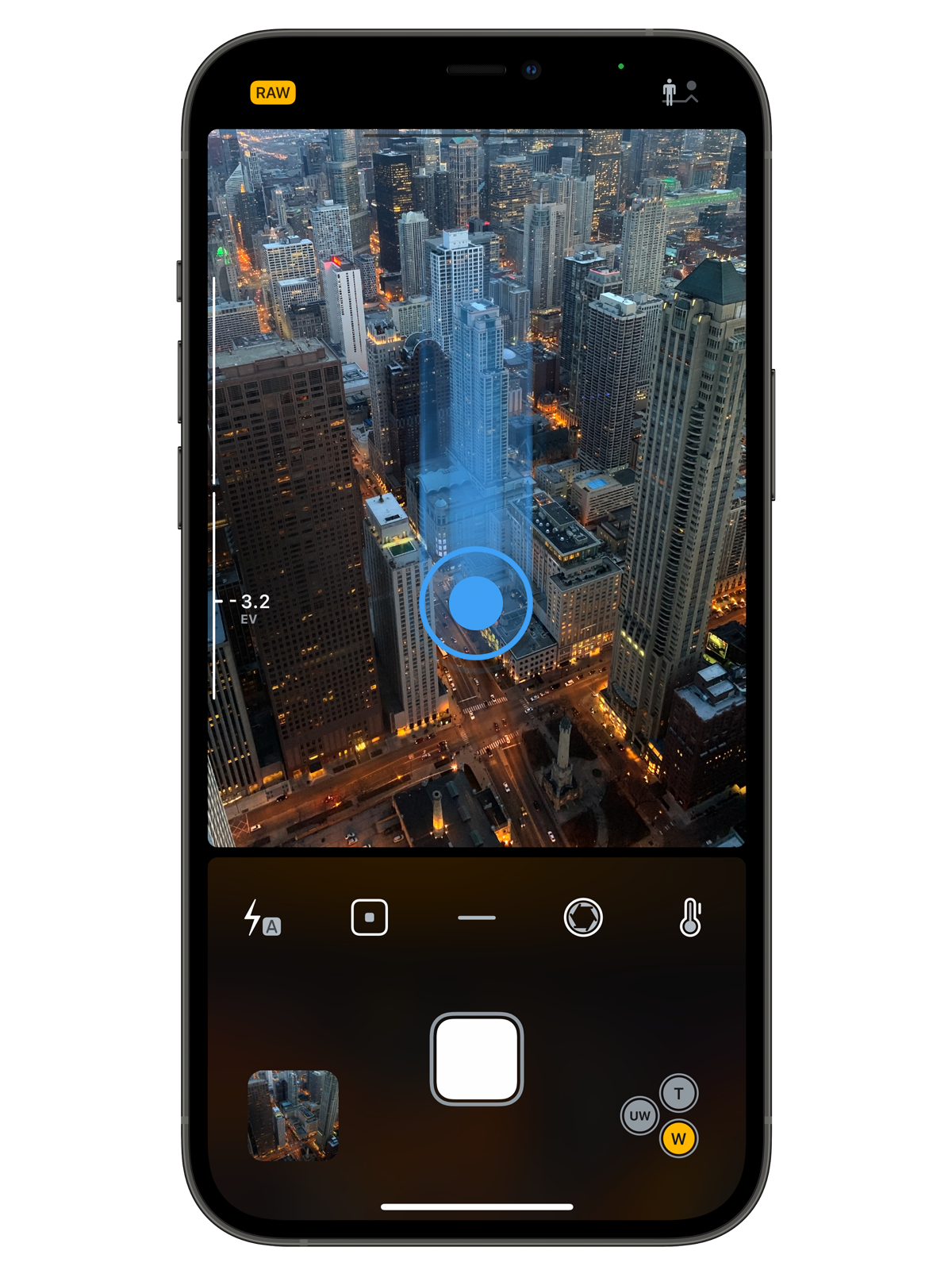
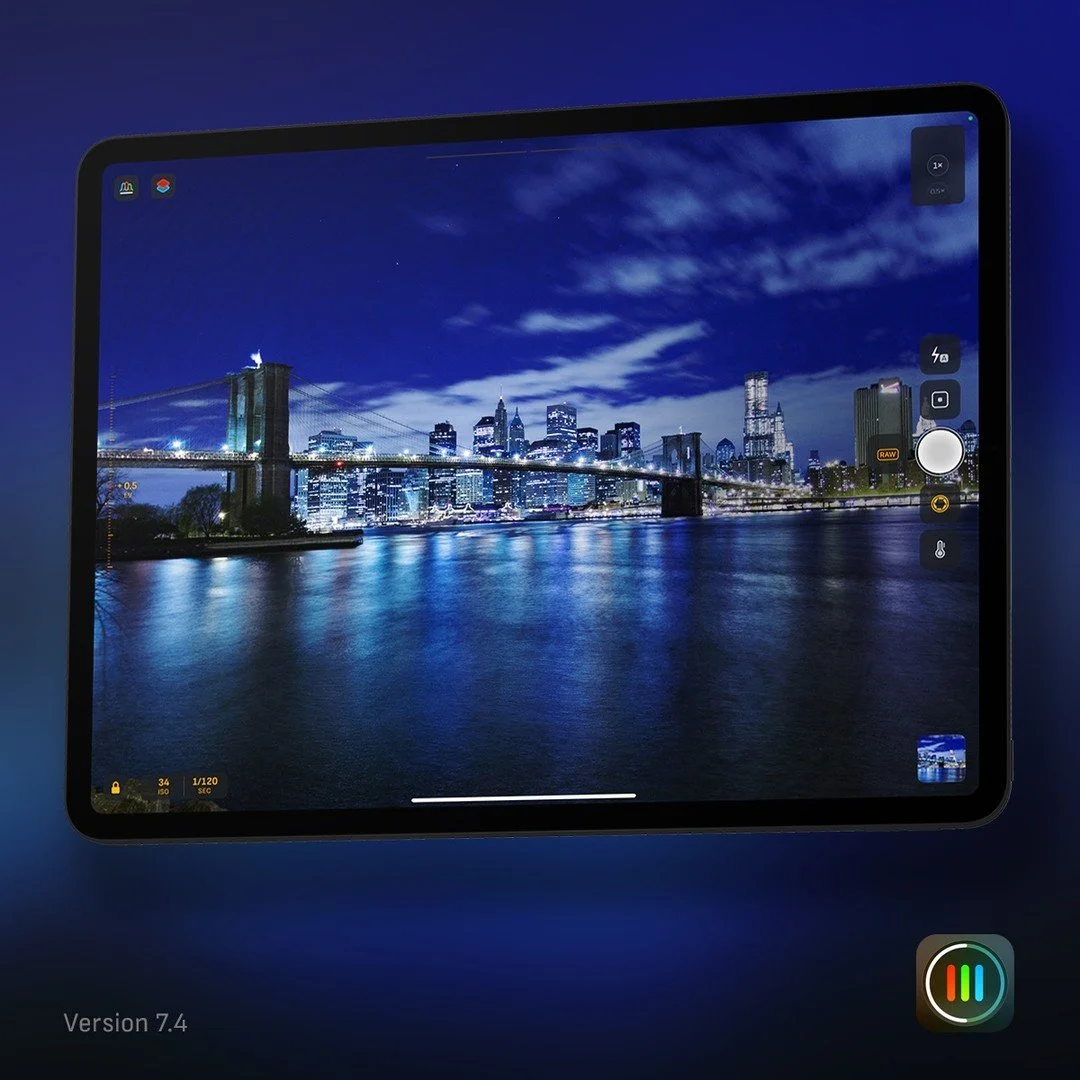
Camera M is designed to do one thing and one thing exceptionally well - to help you take truly great photos with manual camera controls. These precise controls are always within reach and completely free of useless clutter. By keeping irrelevant interface elements out of your way, Camera M creates a straightforward user experience for getting the most out of your iPhone's or iPad’s incredible camera.
Camera M lets you touch actual content to adjust desired values. For example, when adjusting lens focus, swiping up on camera preview to focus further. This intuitive approach makes you feel more connected to what is being captured. Simply press and hold anywhere to reset the values back to ‘Auto’. Every control is optimized to be used single-handedly on iPhone. This method is the basic approach to all controls throughout Camera M.
Max Image Processing
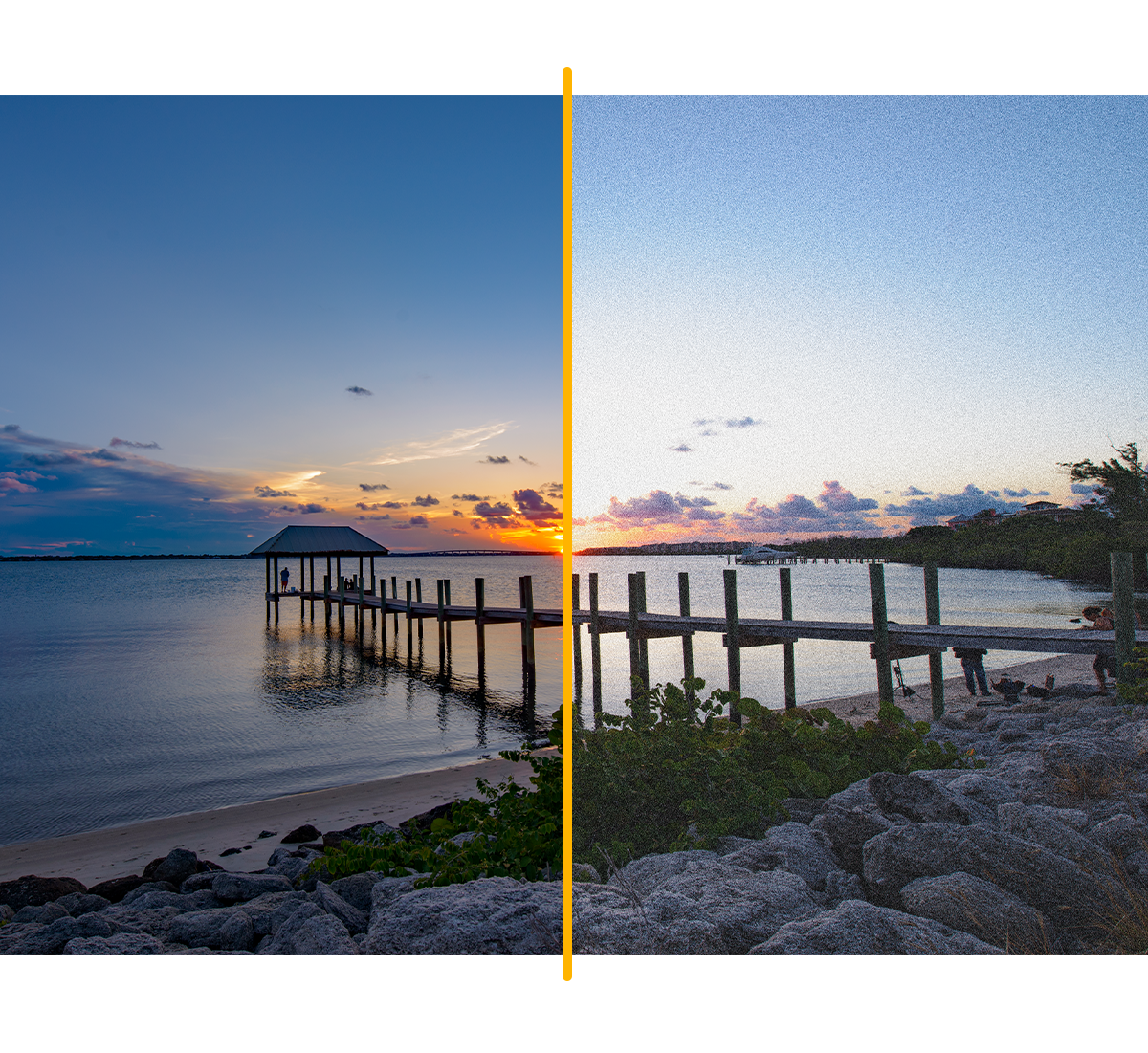
Camera M has one goal - to capture the best image quality from your iPhone or iPad. Max Image Processing enables Deep Fusion and Smart HDR on iPhone 11, iPhone 12, iPhone 13 and iPhone 14. iPhone XS gets Smart HDR support. Other iPhones and iPads still benefit by ensuring maximum image quality with better noise reduction, image stabilization, and additional processing. We believe this is a massive leap in image quality! This setting does not affect the standard RAW image format.

Capture in ProRAW
Apple ProRAW brings the power of computational photography to RAW. It provides benefits of multi-frame image processing and computational photography, like Deep Fusion and Smart HDR, and combines them with the depth and flexibility of a RAW format. Available for iPhone 12 Pro or later Pro iPhones. Learn more

Depth Mode
Capture stunning depth photos with depth, portrait, skin, hair, teeth, and glasses segmentation matte types. Toggle through available matte types within Camera Roll and export as PNG masks if desired. Also, you can change the amount of aperture simulation from f/1.0 to f/22.

Live RGB Histogram
A beautifully designed live RGB histogram keeps you informed of the tonality of the current scene. Quickly make sure that you do not have blown highlights or crushed shadows. Tap on the histogram to switch to a simpler luminance version to combine all channels.
Focus Peaking and 4x Magnifier Loupe
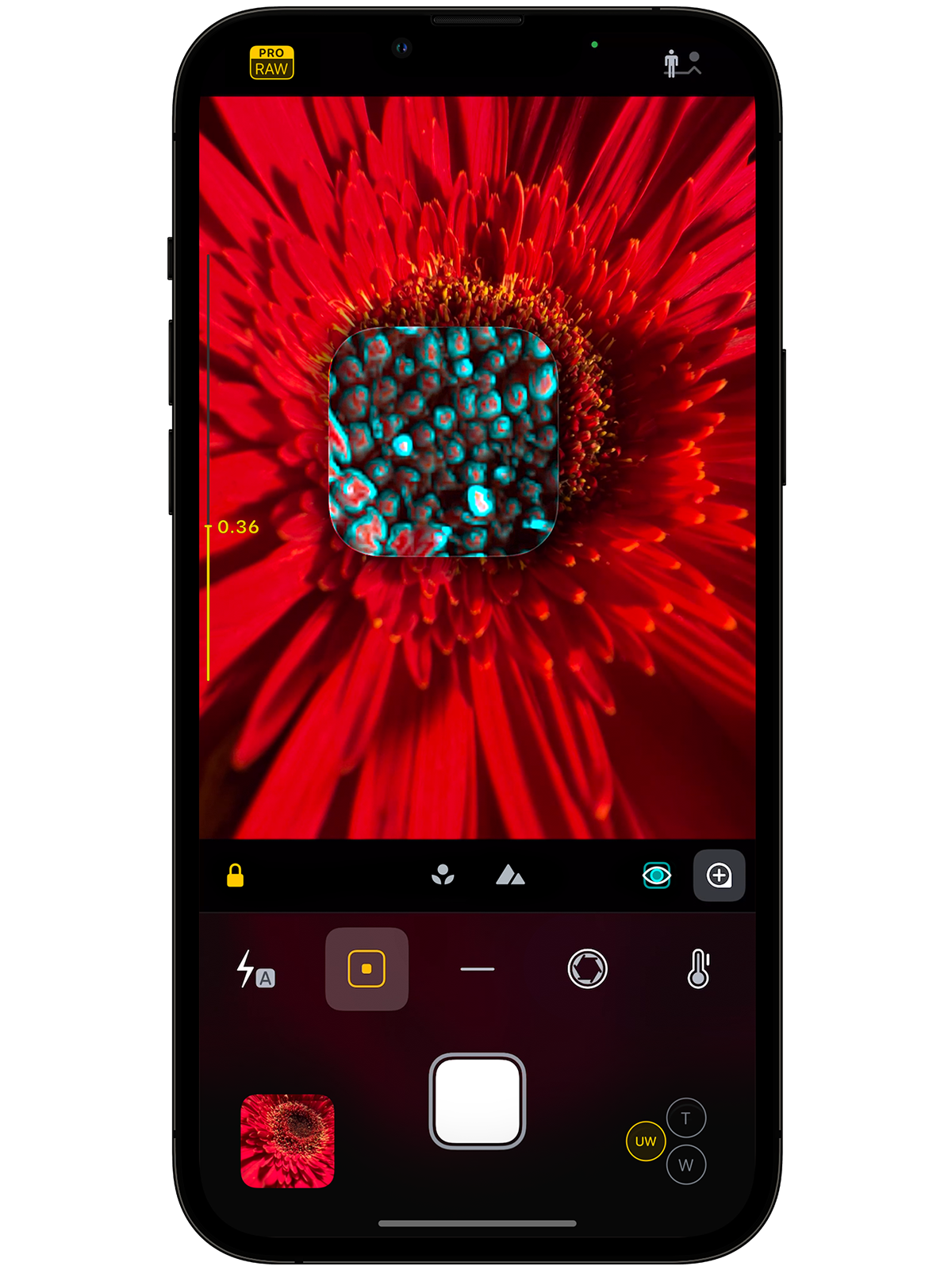
Camera M is equipped with several useful tools to assist you with manual focusing. First is the focus peaking feature that highlights in-focus areas. Then, a 4x magnifier that can be panned to your desired position makes macro focusing a breeze. Focus peaking is also available within the magnifier.
Grids and Levels
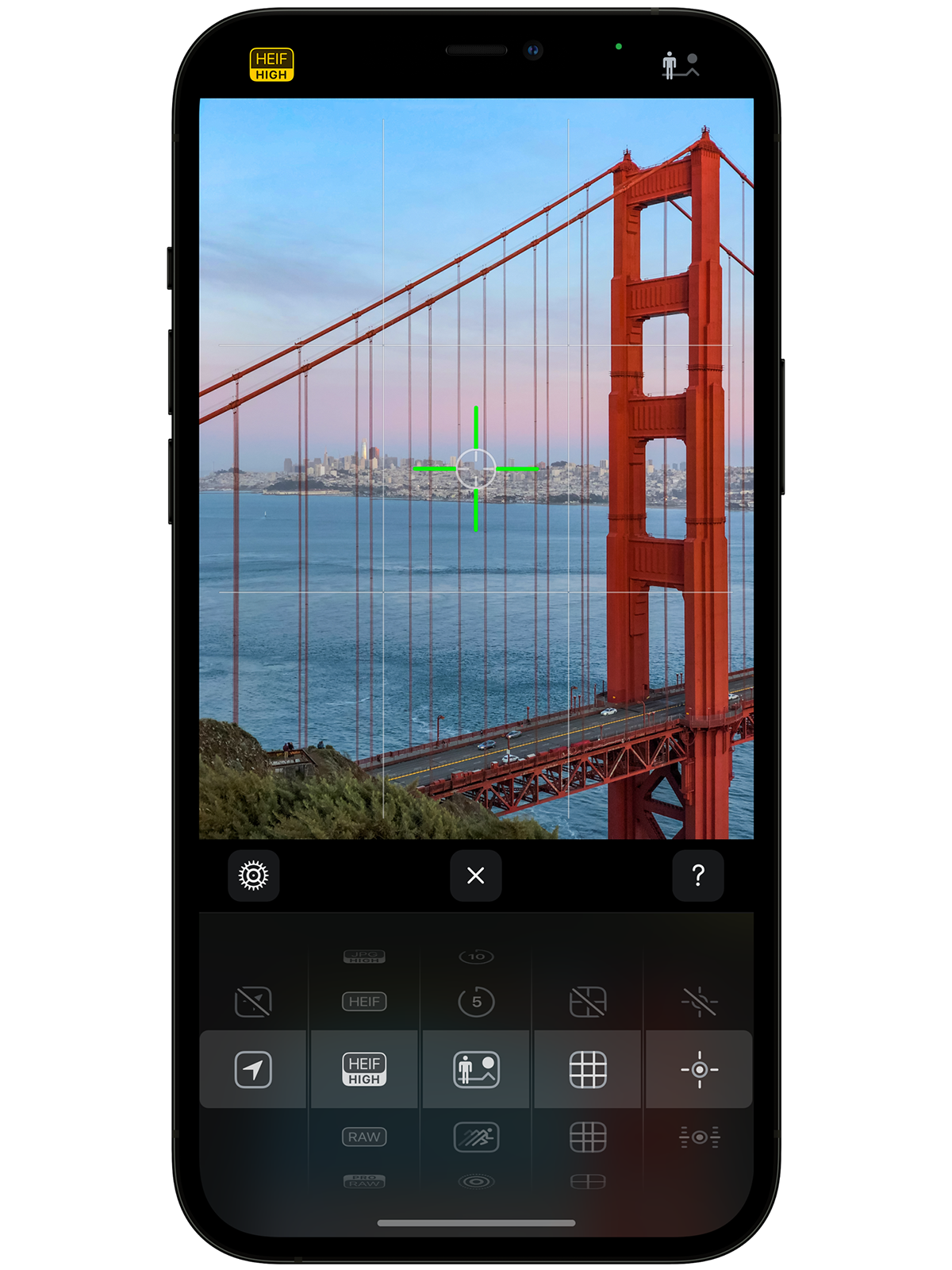
Multiple choices of grids are available to assist you compose that perfect shot! Tilt level with pitch is also there to make sure your photos are straght.

All the Image Formats
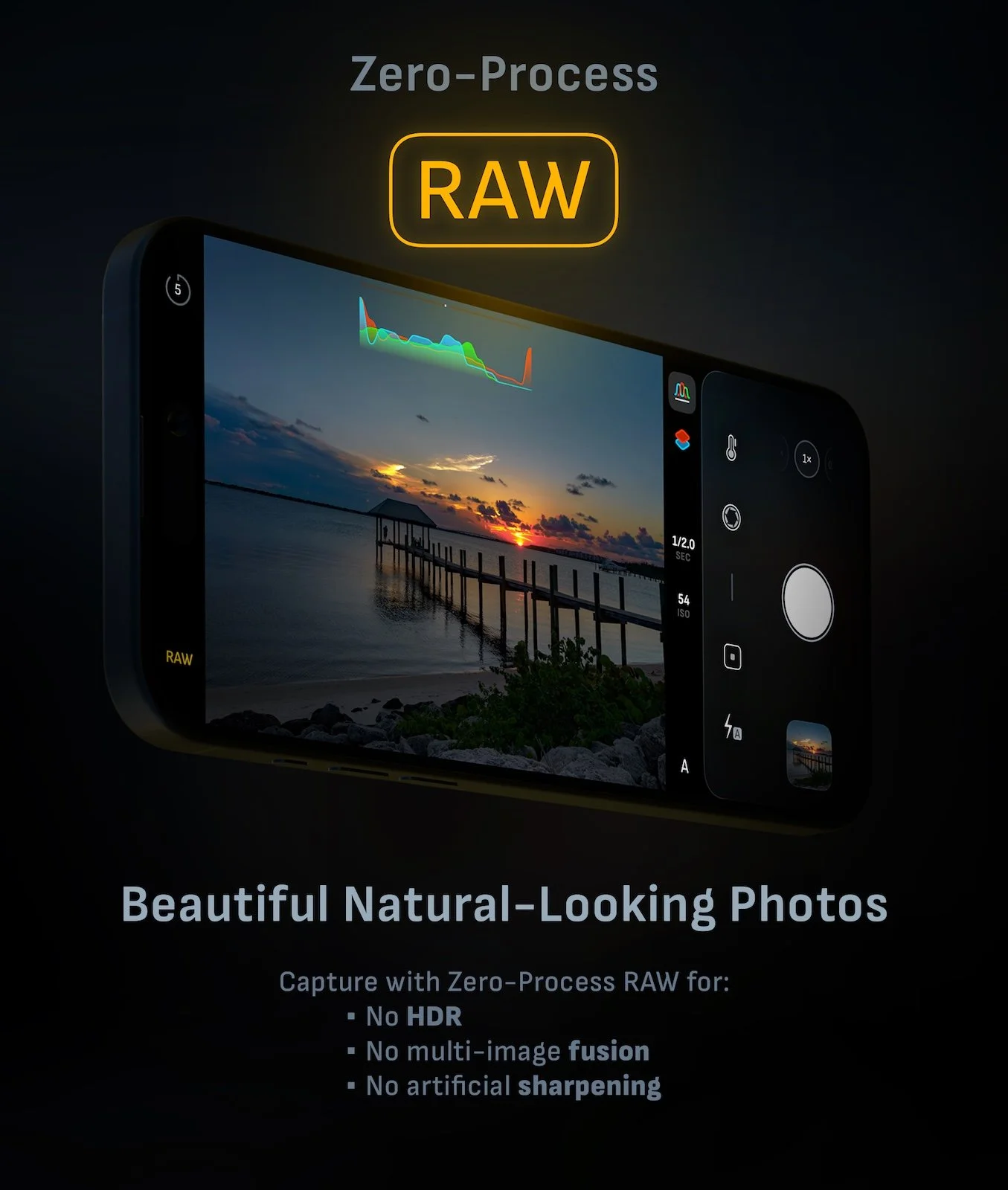
The newly announced Apple ProRAW is now available for iPhone 12 Pro and iPhone 12 Pro Max. The introduction of the RAW format on iPhone became highly celebrated among professional photographers. Camera M specializes in capturing RAW DNG format with additional optical stabilization for sharper results. RAW + JPEG option with proper exporting is also present for added convenience. HEIF and JPEG formats have minimum compression options for increased image quality. TIFF takes the place of the best-processed format for image quality, and PNG is also an option for those who desire it. Learn more

Siri Shortcuts
Have Siri do most of the work for you, hands-free! Camera M contains the most comprehensive Siri Shortcut choices in a camera app. From capturing hands-free to switching cameras, easily add, edit, or remove all your Siri Shortcuts inside Camera M with ease.

Photo Library with Exif Viewer
Access your complete photo library, including all albums and folders. Each photo in the grid is badged with the file type.
View a summarized presentation of basic metadata while also having access to the full EXIF table: view location, direction, and even elevation at the time of capture. A detailed RGB histogram presentation is also available. Camera M lets you be informed of every aspect of your photos!

Widgets for Photography
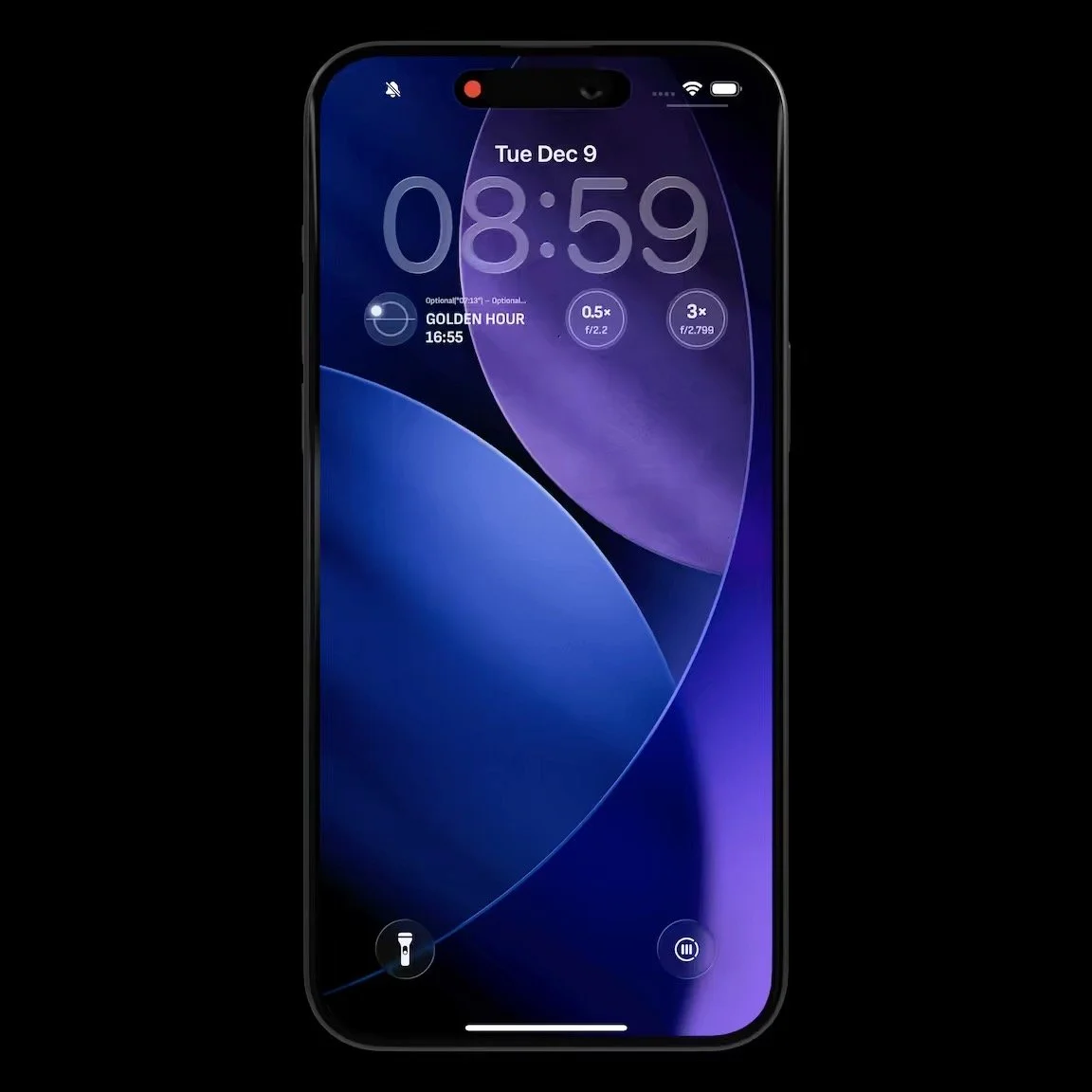
Beautiful yet useful widgets for your Lock Screen and your Home Screen inspire you to elevate your photography to the next level.
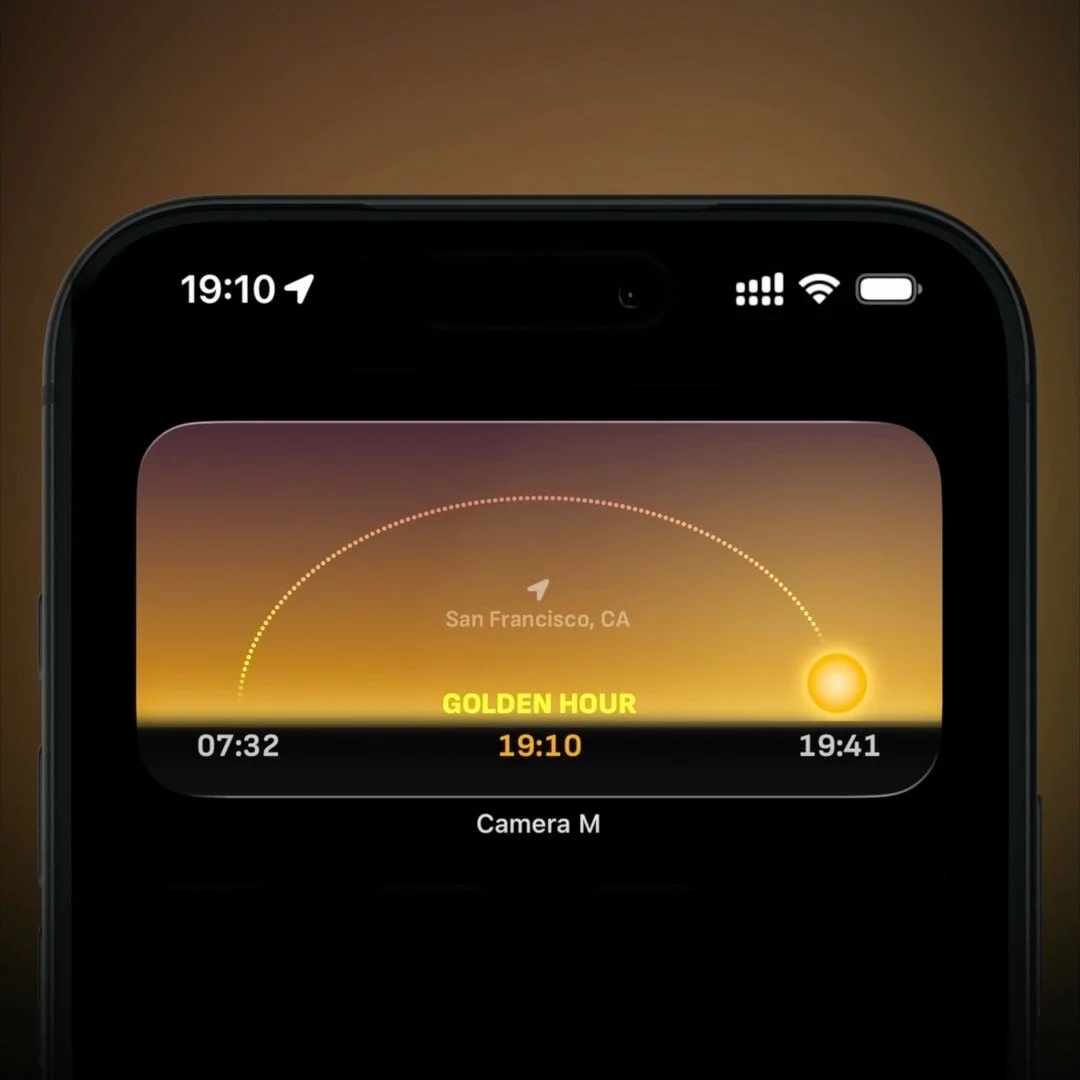
The Golden Hour widget displays precise times for sunrise, sunset, and Golden Hour, along with the estimated sun position to assist natural light photography. EXIF widget displays summarized EXIF metadata for the last item in your Camera Roll. The Cameras widget displays basic hardware specifications for available rear cameras and helps you launch Camera M in a chosen camera mode.

Camera M on your iPhone, iPad, and Apple Watch
Camera M will be available on your iPhone, iPad, and Apple Watch with one single purchase. From the moment you download, it has a single goal of being ready to capture the best moment.
Follow Us
Shooting Modes

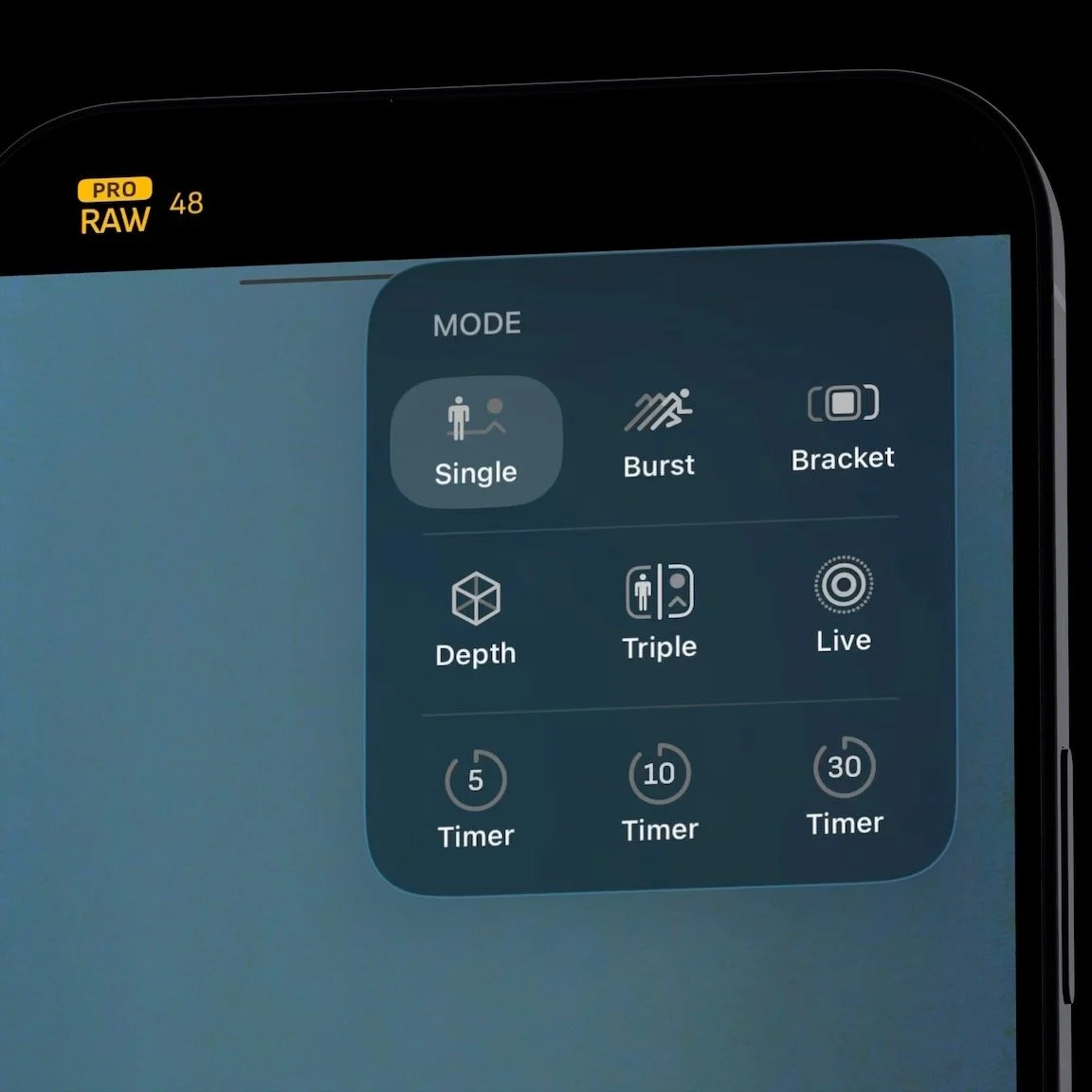
Single
This default mode is perfect for most shooting conditions. All manual controls are available depending on the selected camera. All file formats are also available. Haptic touching within the shutter button will give a 2-second timer.

Burst
Just hold down the shutter button to keep capturing a burst of shots in succession. TIFF and PNG file formats are not available due to increased processing and saving times. The focus tracking feature is ready to go to keep up with the shots.

Timer
5, 10, and 30 second timer modes are available. A prominant countdown within the camera preview window makes it easier to know when exactly the shot will be captured.

Live
Now you can shoot Live Photos with manual controls! All manual controls are available, depending on the camera chosen. Instantly preview or share your Live Photos within Camera M’s camera roll.

Depth
Preview depth blur within camera preview and shoot with auto or locked controls. Capture multiple depth maps within a single image: depth, portrait, skin, hair, and teeth. Export each of those maps as a PNG within the camera roll. Available on iPhones with dual and triple-camera setups and iPads with True Depth camera system.

Dual Photo/Triple Photo
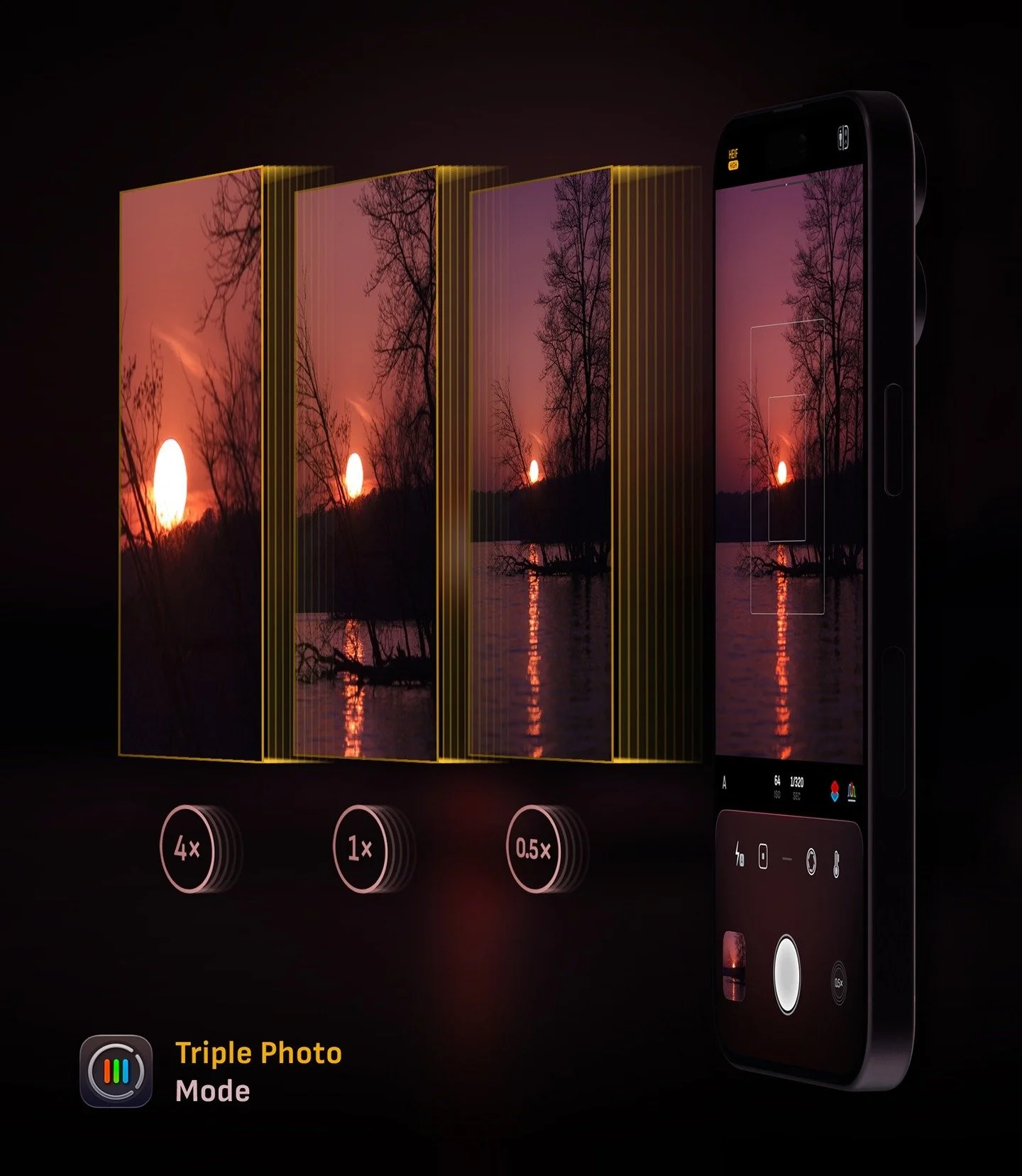
On devices equipped with dual or triple cameras, this mode lets you capture a native, full-resolution image from each camera with a single click. HEIF or JPEG formats are supported.

Bracket
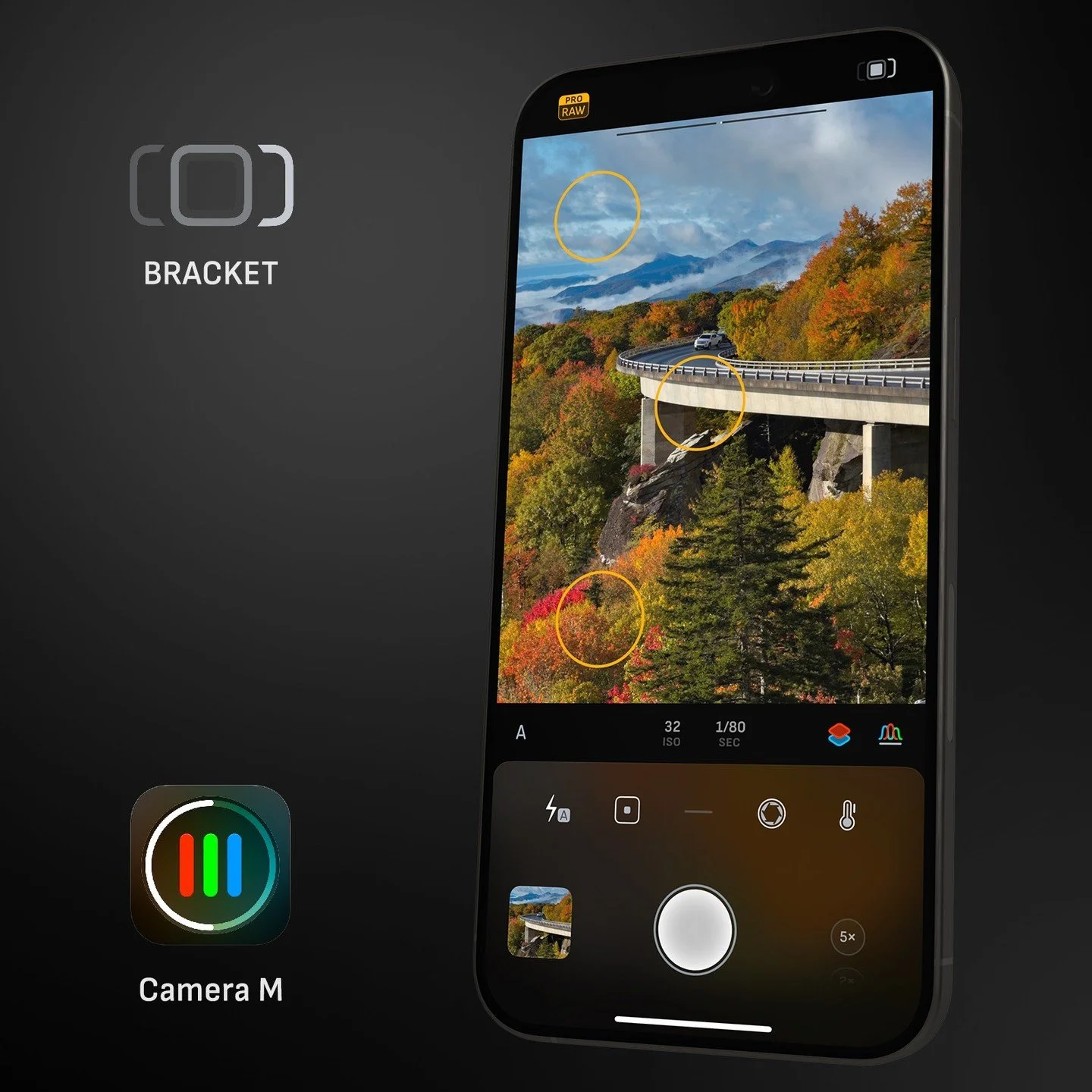
Capture three separate images with 2 EV gaps or define your tap-to-expose points within Exposure screen. HEIF, JPEG, and RAW image formats are available.